SMS Gateway Solutions: The Complete Business Guide for 2026
Introduction
Customers expect quick and accurate updates whenever they shop online. They want to know whether their payment was successful, when their order was confirmed, when it was shipped and when it will arrive. SMS gateway solutions help e-commerce businesses automate these important customer communications.
By connecting an online store, mobile application, CRM or ordermanagement system with an SMS gateway API, businesses can automatically send OTPs, payment alerts, order confirmations, shipping notifications and delivery updates. For Indian e-commerce businesses, an SMS gateway can improve customer communication, reduce repetitive support enquiries and provide a more consistent post-purchase experience. It can also support promotional campaigns when businesses follow applicable consent and messaging requirements.
This guide explains what an SMS gateway is, how it works, its applications in e-commerce, the integration process, pricing factors and how businesses can select the right SMS gateway provider.
What Is an SMS Gateway?
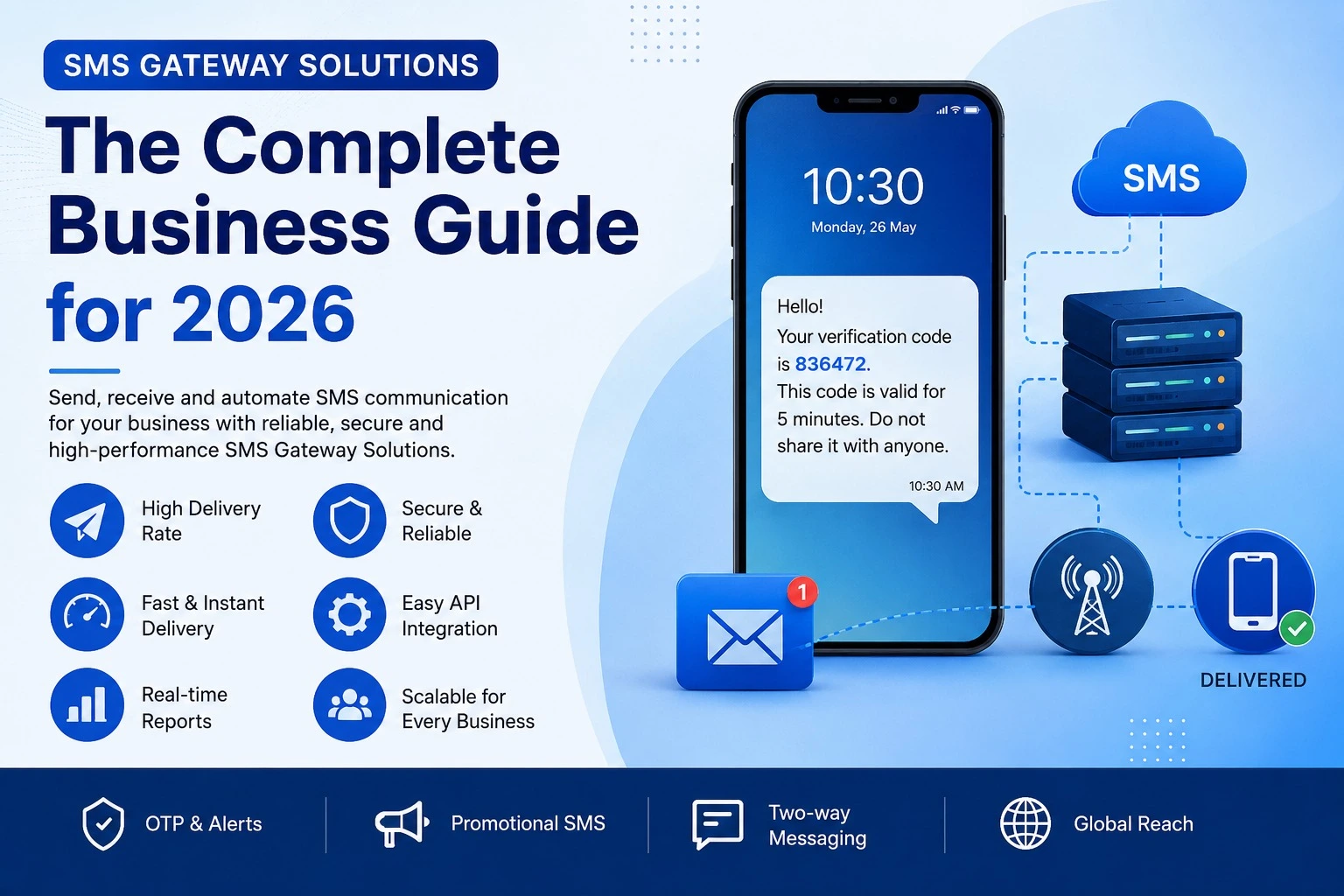
An SMS gateway is a communication platform that connects a business website, application or software system with mobile networks. It enables businesses to send text messages automatically to customers’ mobile phones. For example, when a customer places an order on an e-commerce website, the website can send the order information to an SMS gateway through an API. The gateway then processes the request and delivers an order-confirmation message to the customer.
Businesses commonly use SMS gateways to send:
- One-time passwords (OTPs)
- Account-verification messages
- Order confirmations
- Payment alerts
- Shipping notifications
- Delivery updates
- Appointment reminders
- Service notifications
- Promotional offers
An SMS gateway is particularly useful for businesses that need to send large numbers of automated or event-based messages.
How Does an SMS Gateway Work?
An SMS gateway receives a message request from a business system, processes it and sends the message through the appropriate mobile network.
Customer Completes Action
A customer completes an action on your website or app, such as placing an order, registering, or requesting an OTP.
Platform Records Action
The e-commerce or business platform records the transaction and initiates the messaging trigger.
Request Sent via SMS API
The platform sends a secure programmatic request to the SMS Gateway API containing message details and recipient data.
Gateway Verifies & Processes
The SMS gateway verifies account credentials, Sender ID, approved DLT template, and recipient route.
Dispatched to Mobile Network
The message is routed across telecom carrier networks directly to the destination mobile provider.
Customer Receives Message
The customer receives the instant SMS alert on their mobile handset within seconds.
Delivery Status Returned
The telecom delivery report (DLR) is returned to the business platform to confirm delivery status.
Once the integration is configured, businesses can send messages automatically without manually creating every notification.
SMS Gateway Solutions for Indian Businesses
Indian businesses use SMS gateway solutions for customer authentication, service notifications, transaction updates, marketing campaigns and customer-support communication. A business planning to send SMS messages in India should consider:
DLT registration
Businesses and entities sending commercial communication must complete the applicable Distributed Ledger Technology (DLT) registration process with Indian telecom operators.
Approved headers
The sender name or header used in business messages must be registered and approved according to the applicable messaging category (Promotional or Service/Transactional).
Approved message templates
Businesses should ensure that required message templates are pre-registered on DLT portals and that the final dispatched message strictly matches the approved format.
Customer consent
Promotional communications should be sent only to an appropriate audience and in accordance with applicable consent and TRAI preference requirements.
Message classification
Businesses should correctly identify whether a message is transactional, service-related (implicit/explicit) or promotional to ensure proper telecom routing.
Delivery reports
A reliable platform should provide real-time delivery information so businesses can monitor whether messages were delivered, pending or unsuccessful.
API support
Businesses using websites, applications, CRMs or order systems should select a provider that offers clear API documentation, SDKs, and responsive technical assistance.
DLT Compliance Guidance
E-commerce businesses can seek direct support with DLT registration and template approval from Erixon before beginning large-scale business messaging.
SMS API Integration Process for E-commerce Websites
The exact integration process depends on the e-commerce platform and SMS gateway provider. However, it generally involves the following steps:
Step 1: Select an SMS gateway provider
Choose a provider based on delivery capabilities, API documentation quality, scalability, reporting features, customer support and transparent pricing.
Step 2: Complete the required account verification
Provide the required business information and complete any applicable registration or messaging-compliance procedures (including DLT registration in India).
Step 3: Obtain the API credentials
The SMS gateway provider will normally provide authentication details, such as an API key, username, password or bearer access token.
Step 4: Connect the API
Connect the SMS API with the business website, mobile application, CRM, order-management system or e-commerce platform using RESTful endpoints or webhooks.
Step 5: Configure message triggers
Choose the customer actions that should trigger an automated SMS notification, including:
- Account registration
- OTP request
- Order confirmation
- Payment success or failure
- Order dispatch
- Out-for-delivery update
- Completed delivery
- Refund confirmation
Step 6: Configure message templates
Set up DLT-approved templates with dynamic variables (e.g., customer name, order number, amount, tracking link) and test automated delivery end-to-end.
How to Select an SMS Gateway Provider
Before choosing an SMS gateway provider, businesses should evaluate the following factors:
Delivery capabilities
Check whether the provider offers dependable message processing and real-time delivery reporting with high throughput.
API documentation
The API documentation should be clear, comprehensive, and simple for developers to understand and implement.
Scalability
The platform should support increasing message volumes and handle traffic spikes smoothly as your business grows.
Dashboard and reporting
Businesses should be able to monitor message status, delivery performance, logs, and overall usage from an intuitive portal.
Security
The provider should offer robust API authentication, IP whitelisting, encrypted endpoints, and account-security controls.
Integration options
Check whether the platform connects smoothly with your website, mobile app, CRM, ERP, or order-management software.
Compliance support
The provider should actively help businesses understand and navigate Indian DLT registration, headers, and template approvals.
Technical support
Reliable, responsive technical support is essential during initial integration, sandbox testing, and ongoing troubleshooting.
Transparent pricing
Understand per-message rates, package limits, gateway fees, and support costs clearly without hidden surprises.
Business communication options
A provider offering unified SMS, Voice Call, and WhatsApp Business API services can support a wider omnichannel strategy.
Types of SMS Gateway Solutions
Different businesses have different messaging requirements. Choosing the right type of SMS Gateway depends on your communication goals:
Transactional SMS Gateway
Transactional SMS is used for essential business communications such as OTP verification, banking alerts, payment confirmations, shipping updates, and password resets.
Promotional SMS Gateway
Promotional SMS is used for marketing campaigns, seasonal discounts, festival offers, product launches, coupon codes, and flash sales to boost conversions.
OTP SMS Gateway
Dedicated high-speed gateway infrastructure designed for instantaneous two-factor authentication, secure logins, identity verification, and transaction approval within seconds.
Bulk SMS Gateway
Allows organizations to send thousands or millions of messages simultaneously to segmented contact lists for announcements, alerts, and operational notifications.
Conclusion
As businesses continue to embrace digital transformation, SMS Gateway Solutions have become an indispensable communication tool. They enable organizations to deliver secure, timely, and automated messages that improve customer satisfaction, streamline operations, and support business growth.
Whether you need to send OTPs, transactional alerts, promotional campaigns, or bulk notifications, implementing the right SMS Gateway Solution can help your business communicate more effectively while saving time and resources.
Ready to Integrate SMS Gateway API?
Contact our team to get a high-throughput, DLT-compliant SMS Gateway solution for your e-commerce store, mobile app, or CRM.